How to Close All Tabs on Android
Using Google Chrome (Android)
Steps:
Open Chrome on your Android phone.
Tap the square tab icon at the top right (shows the number of open tabs).
Tap the three dots (⋮) in the corner.
Select “Close all tabs.”
✅ All open tabs will be closed instantly.
📱 How to Close All Tabs on iPhone
Using Safari (iPhone)
Steps:
Open Safari on your iPhone.
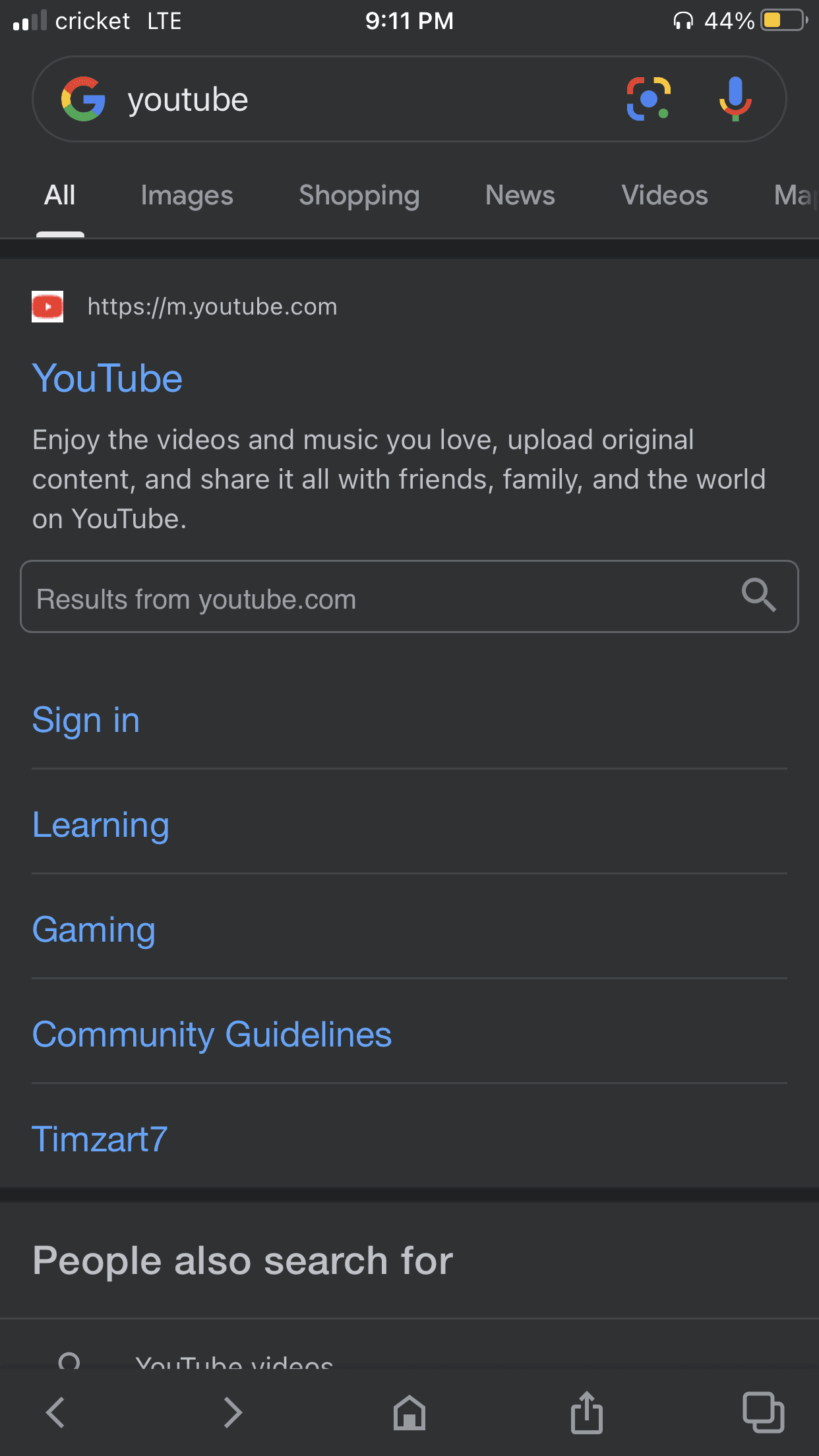
Tap the tabs button (two overlapping squares) at the bottom right.
Press and hold the “Done” button.
Tap “Close All Tabs.”
✅ All tabs will close at once.
Bonus: Close Tabs in Chrome on iPhone
If you use Google Chrome on iPhone:
Open Chrome.
Tap the three dots at the bottom right.
Tap Select Tabs → Select All.
Tap Close Tabs.
Why You Should Close Unused Tabs
Final Thoughts
Closing all open tabs on your phone only takes a few seconds and can significantly improve your device’s speed and efficiency. Whether you’re using Android or iPhone, make it a habit to clear your tabs regularly for better performance.