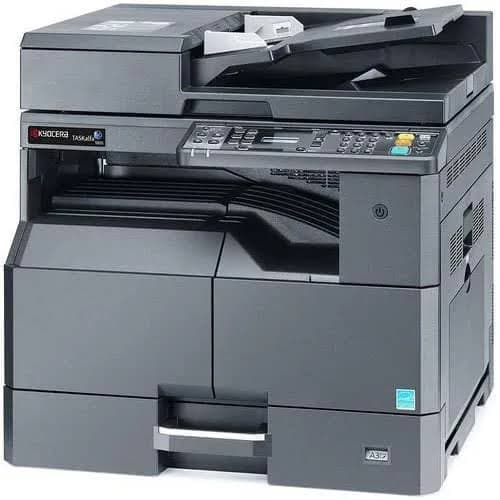
Kyocera Printer Drivers
Kyocera printer drivers are essential software that allows your computer to communicate correctly with a Kyocera printer. The correct driver helps your printer perform tasks such as printing documents, scanning, and managing different printer settings. Whether you are setting up a new Kyocera printer or troubleshooting an existing one, installing the appropriate driver is an important step.
Why Kyocera Printer Drivers Are Important
A printer driver acts as a connection between your computer and printer. Without a compatible driver, your computer may not recognize the printer correctly or some printer functions may not work as expected. Keeping the driver updated can also improve compatibility, performance, and reliability.
How to Download Kyocera Printer Drivers
To download a Kyocera printer driver, first identify your exact printer model and the operating system installed on your computer. Visit Kyocera's official support or download section and search for your printer model. Select the driver that matches your operating system and download the appropriate installation package.
How to Install Kyocera Printer Drivers
After downloading the driver, open the installation file and follow the instructions provided by the setup program. Connect your Kyocera printer when requested and allow the installation process to complete. Once installed, you can check your computer's printer settings to confirm that the Kyocera printer has been detected correctly.
Updating Kyocera Drivers
Updating printer drivers can help maintain compatibility with newer operating-system versions and resolve certain printing problems. Before updating, make sure you select the driver specifically designed for your Kyocera printer model and operating system.
Common Kyocera Driver Problems
Some common driver-related problems include the printer not being detected, documents remaining in the print queue, incorrect printer settings, or printing features not working properly. Checking the printer connection, restarting the printer and computer, and reinstalling the correct driver can often help resolve these issues.
Conclusion
Having the correct Kyocera printer driver is essential for reliable communication between your computer and printer. Always choose a driver that matches your exact Kyocera model and operating system. Using the appropriate driver can help ensure smooth printing and access to the printer's supported features.